
CyberPower UPS Internal Battery Replacement
So, I’ve never done this before. I think this feature of having replaceable internal batteries is fairly new? Just wanted to make a post about the option and how easy it is.
I have two UPSs in my office, one for the main desktop computer and one for the NAS. Yesterday, my main computer was off when I walked into the office. I restarted, and just a few minutes into startup, it dies again. Ugh! But I’ve seen this before, I know the drill. Unplug all peripherals, start up in safe mode, and then slowly open software and plug back in peripherals one at a time to see what is causing the issue.
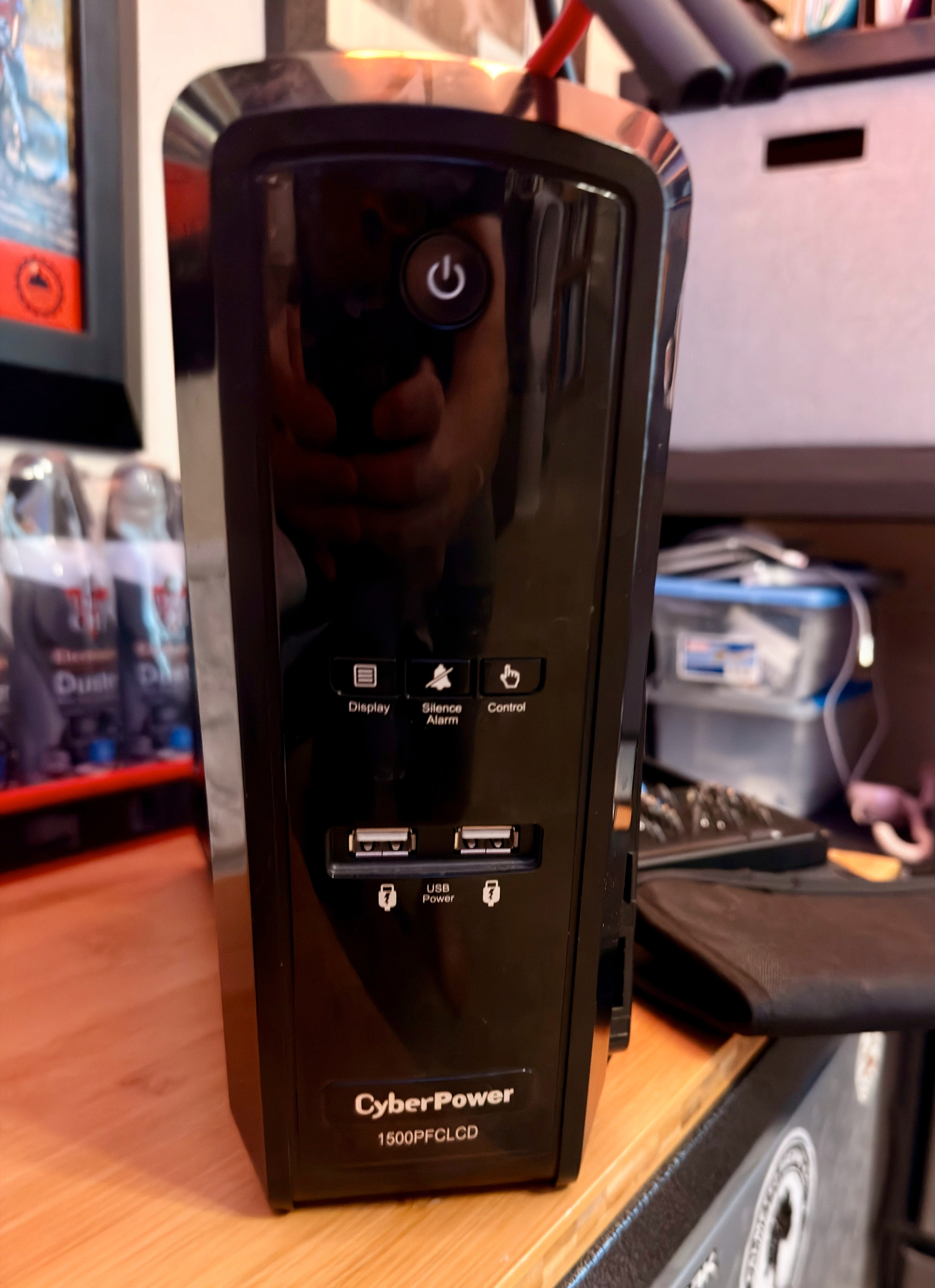
I couldn’t even boot up into safe mode; it just shut back off. I was thinking, this is serious, like, take it to the shop series. Turns out it was my old CyberPower UPS; it was barely alive. No warning, no beeping, no message, just was on its last leg and wouldn’t even let my computer start up.
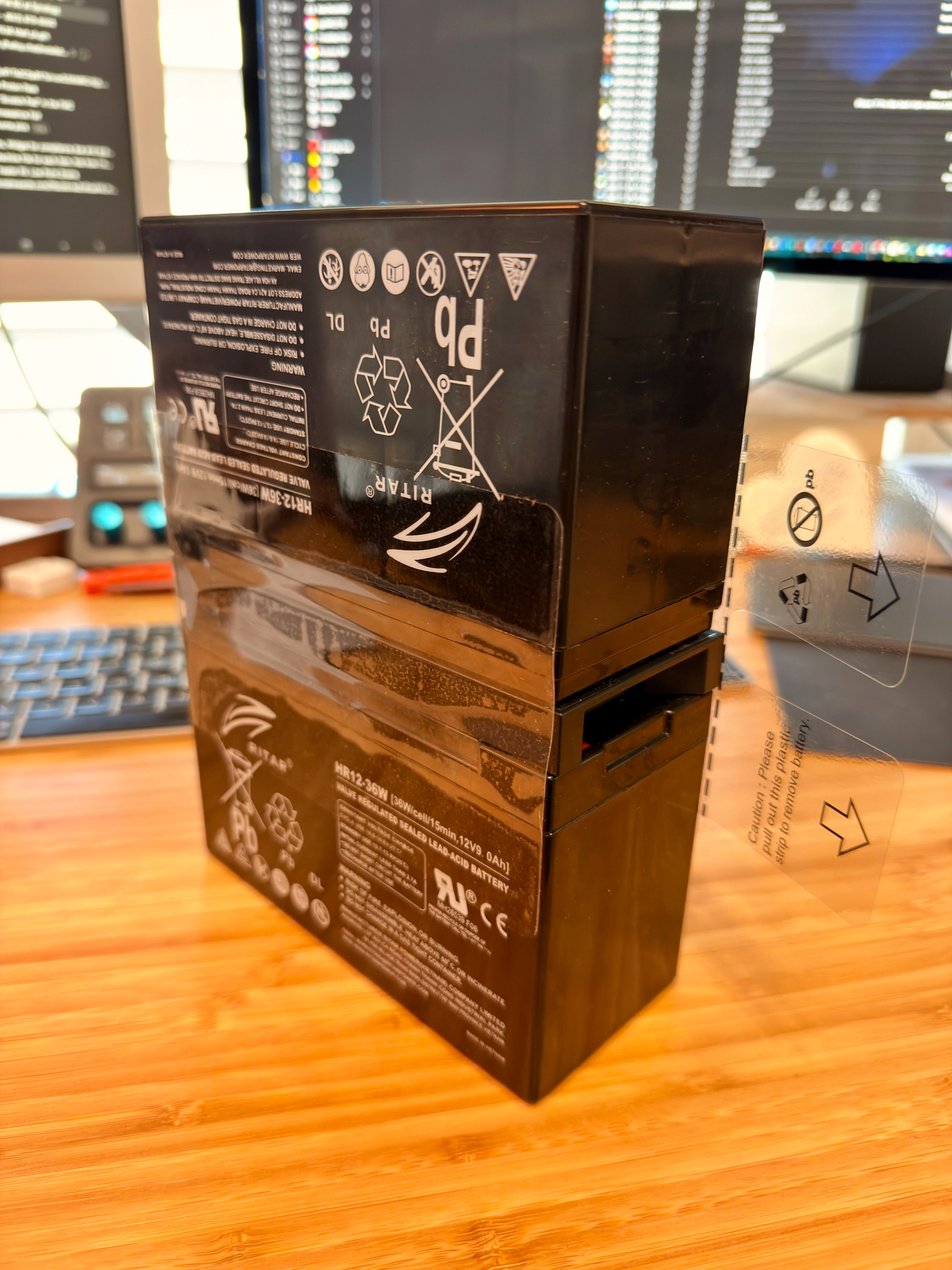
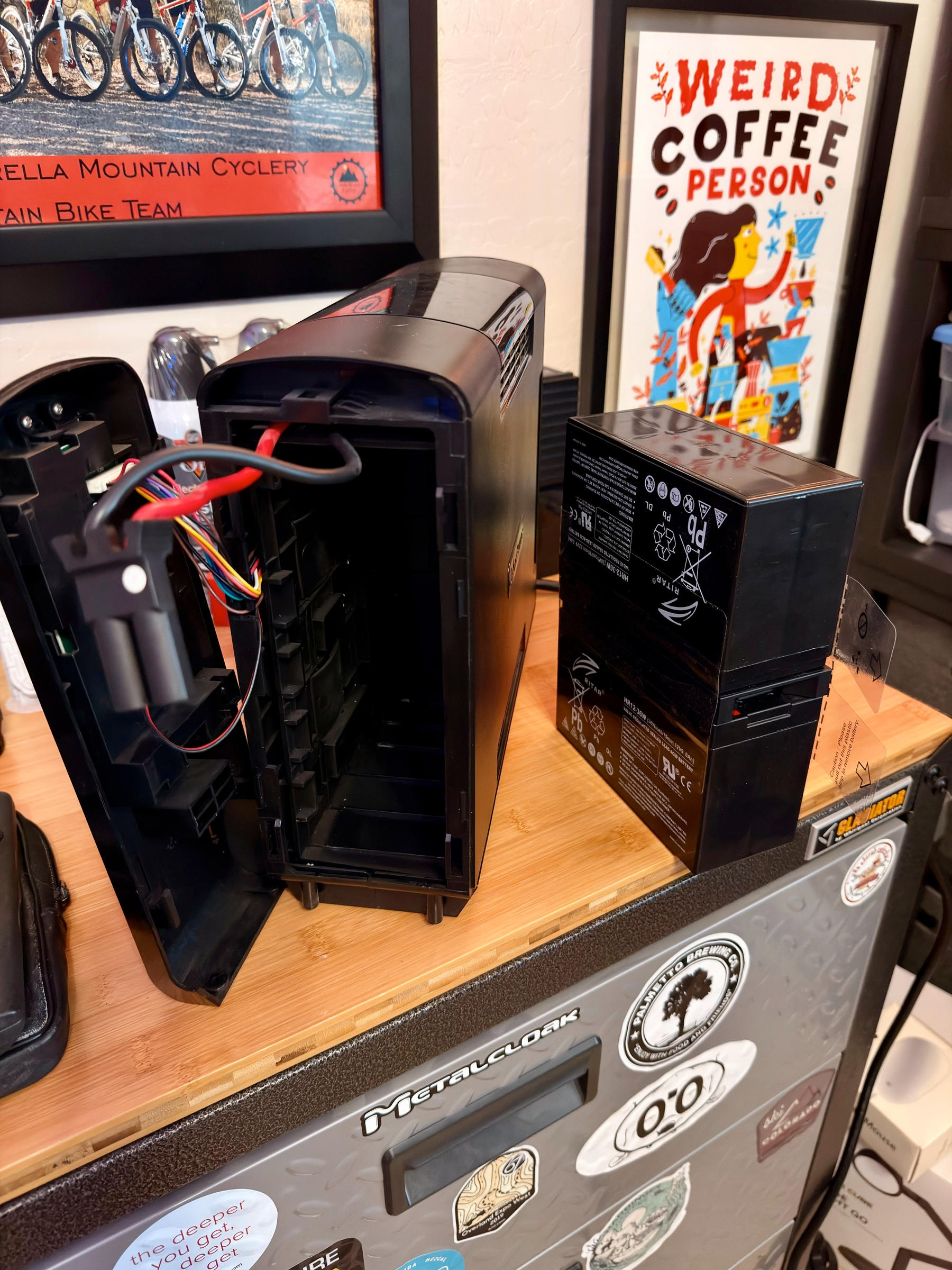
It’s like $300 to $400 bucks for a new one, I’m thinking, do I really need one? The power rarely drops off, etc. Then I remembered about battery replacement. Looked it up. Sure as heck, ordered a new lead-acid battery for $99 and replaced it. It takes removing two screws, popping off the front cover, unplugging the batteries, and sliding out the old battery to install the new one. Easy enough.
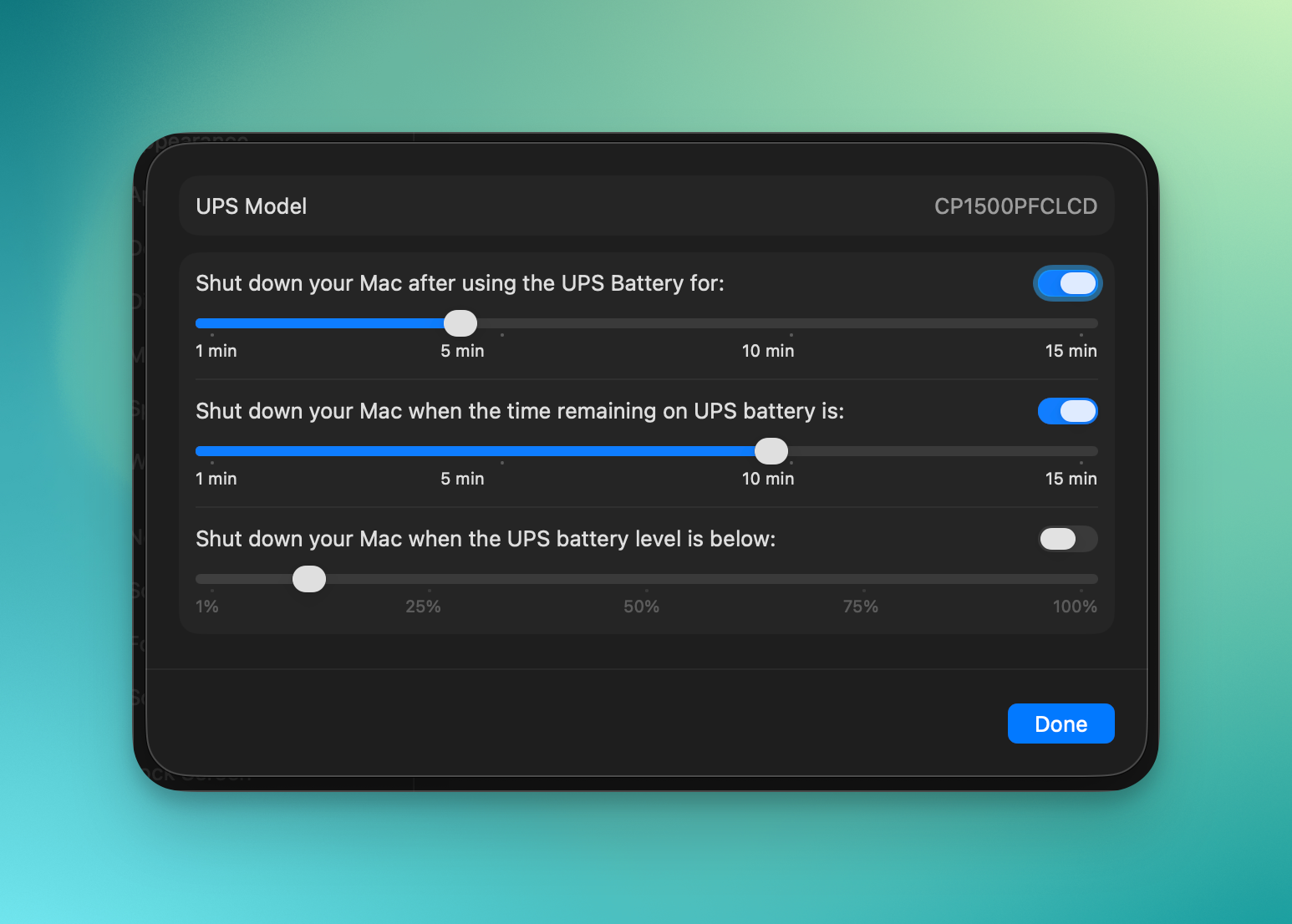
Be sure to go into Settings/Energy/UPS Options/ to make sure your computer recognizes the UPS and your settings are where you want them.
Back in safe waters with a good Surge protector and battery backup for the desktop.
Note: I purchased an OEM battery for $99. You can get aftermarket batteries for considerably less to save even more.
I'd love to hear your thoughts or suggestions! Please share your comments below: