Kodak Mini 2 Retro Photo Printer
I’ve been harping lately about printing your photos because it’s just so much nicer than looking at them on a screen. Touch ‘em, hold ‘em, pass them out. People love a physical print. You’ll thank me. Really.
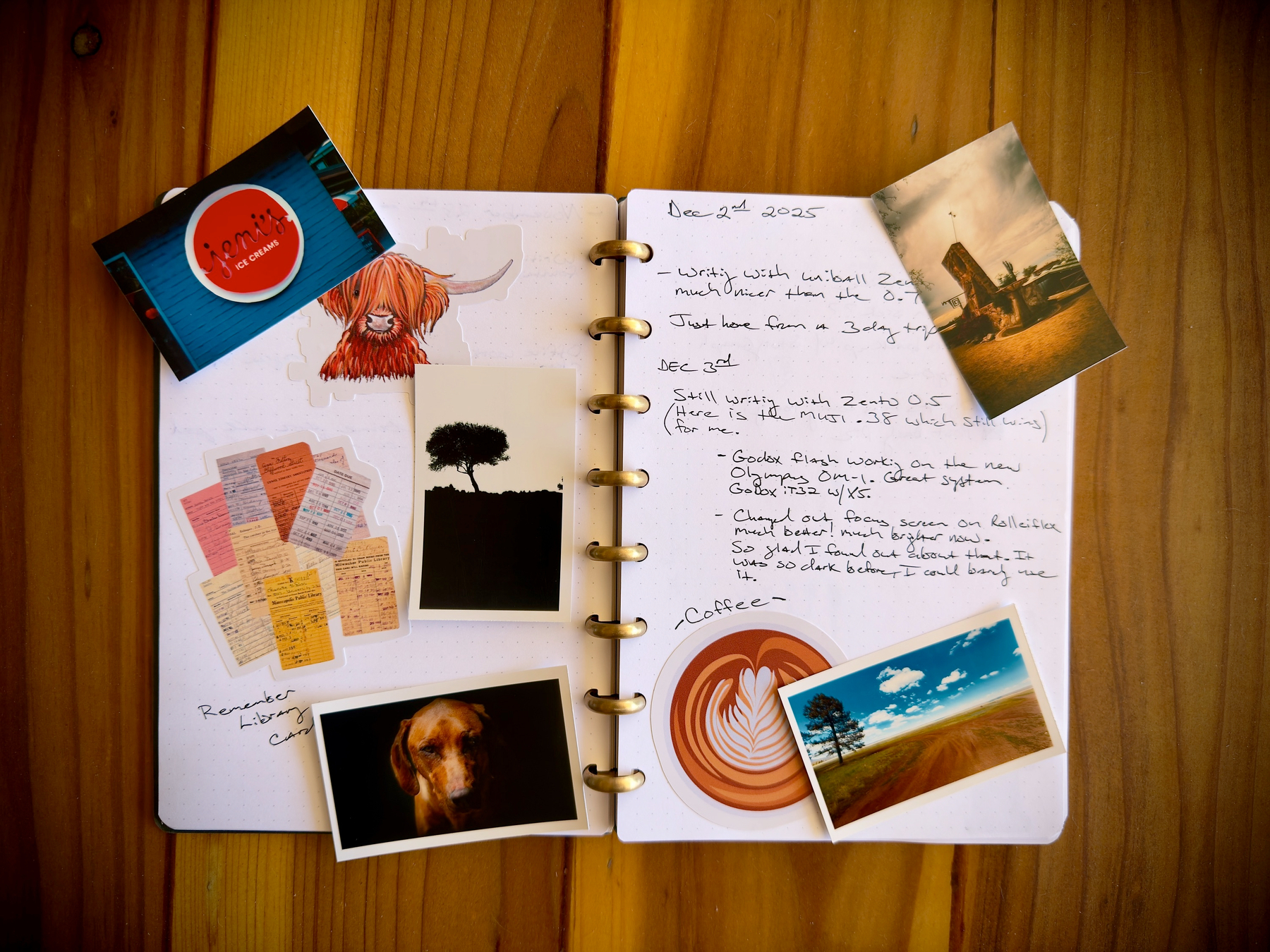
I do most of my journaling in Obsidian and post my daily pictures there, but I still use a paper journal. I put my stickers in there, and I’ve always been bothered by the fact that I can’t add photos, at least not very easily. Until now.
I saw a review for the Kodak Mini 2 Retro and thought, what the hell, let’s try it.
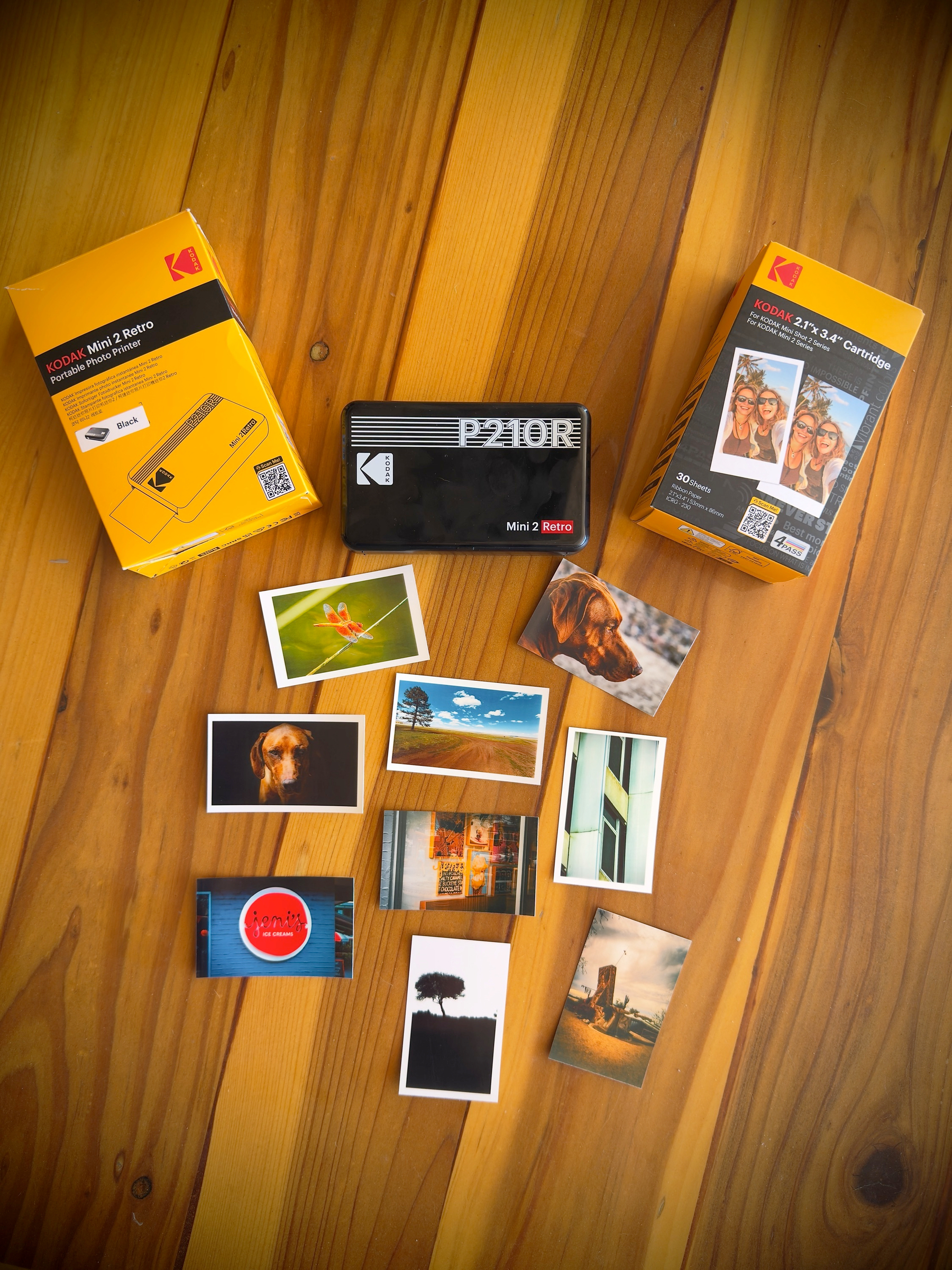
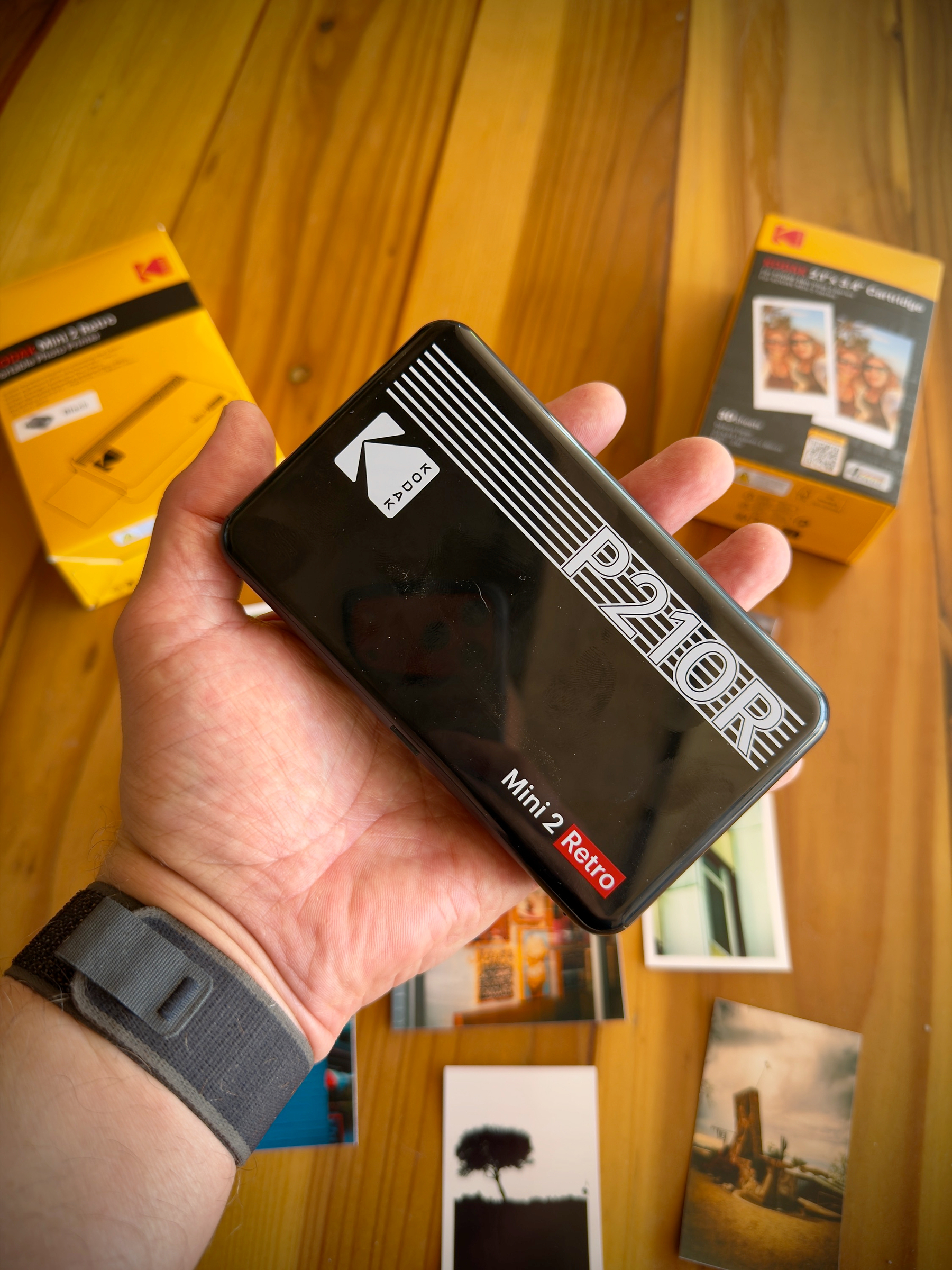
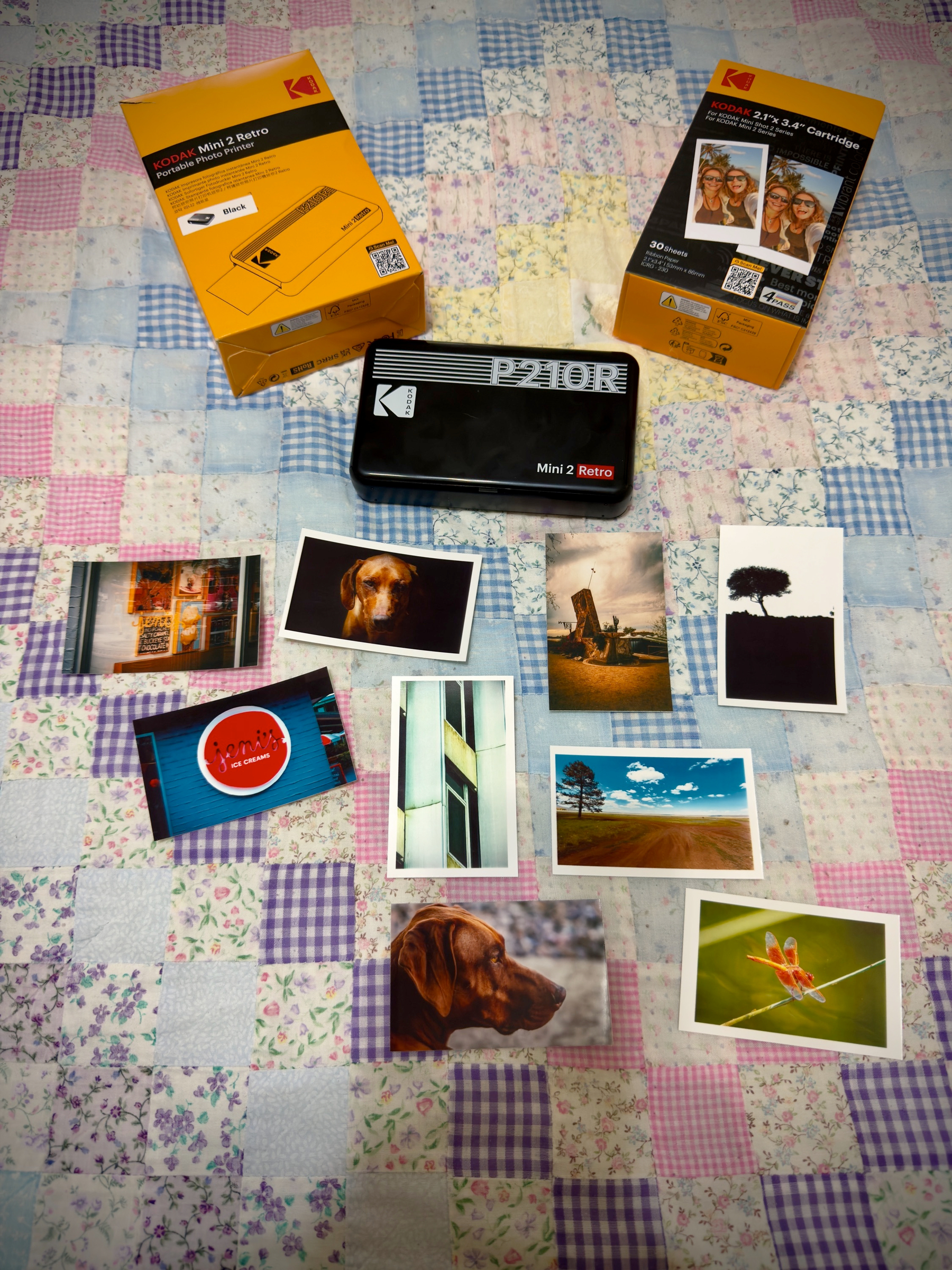
This little thing Rocks! I love it. It’s small, fairly cheap, and prints surprisingly well. You can see my test prints below. I tried to give it the full gamut, and the only colors that were off to me were the dragonfly bokeh.
You can print 5 photos at a time; it hooks via Bluetooth to your phone. It’s super simple, easy, software, and this thing is small enough you could take it with you. As you can see, you can have the print edge-to-edge or add a simple white border. I love the border look. I print everything these days with a nice white border.
Online in the U.S., it’s $99 and comes with 38 prints. Refills work out to be 0.37 cents each, which isn’t too bad. Have you looked at printing costs lately?
It’s a four-pass, dye-sublimation printing process. I’m just very impressed with what it can do. How will it hold up? I don’t know, but I’ll be testing it and printing a lot, and give you my long-term testing results later.
My plan is to carry it on work trips, pass out a few pictures, and, I guarantee you, it will make people smile. I’ll also use them to add to my paper journal. My only complaint is that there is no sticker backing on the prints. I believe that’s because of the multi-pass dye-sublimation process it uses. But you can just carry a small roll of double-stick tape. I know other small portable printers use different printing processes and have a sticker backing if that’s important to you.
I also had some nice nostalgic feelings from seeing the Kodak logo.
I printed 5 photos in a row, then started another 5; it had to pause after each photo to cool down while printing the next 5. Not surprising for something so small. It would be rare to print so many at once, but it can be done; it will just take slightly longer. Other than that, nothing to report for now. Again, I’m just so impressed with the colors that it can reproduce.
When printing, the photo goes in and out 4 times; each pass, it looks a little better. It reminded me of watching a Polaroid develop.
I'd love to hear your thoughts or suggestions! Please share your comments below: