
Calibre-Web
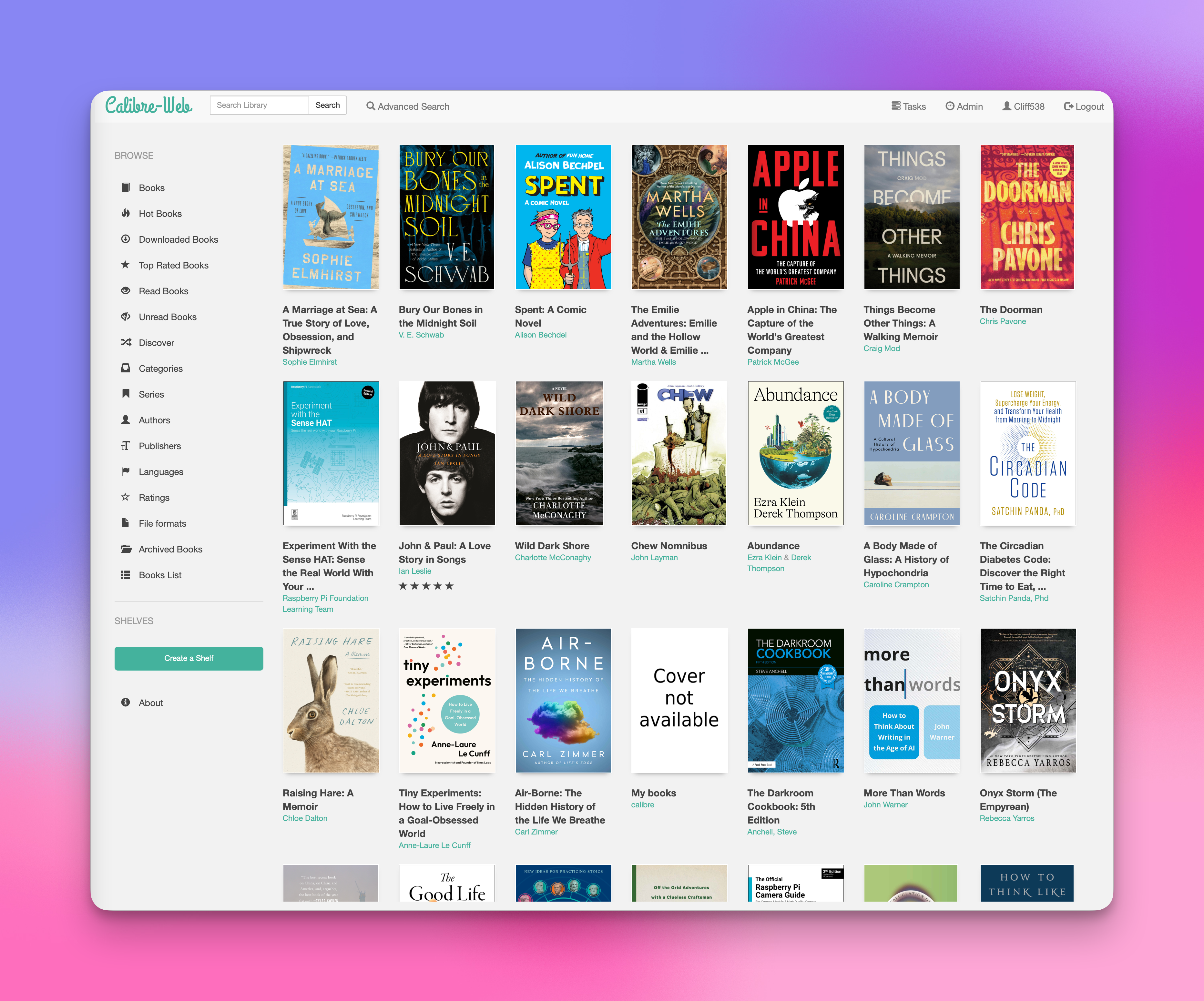
I’ve been a Calibre user for years now. It’s great for managing your ebook collection. It has tons of advanced functions that I don’t use, but the ability to back up your collection, add metadata, and book covers is perfect for my use. But I’ve never dabbled with Calibre-Web and finally got it installed on my Mac mini home server.
Calibre is only on my office computer and I don’t even open it much unless I need to add new books. A few times on the road, I remember a book and want to look at it, but I don’t have access. Calibre-Web takes care of that scenario.
I can now view, read, or download any of my 1400+ ebooks. I’m not sure I’ll use it much, but since I travel every week, it’s nice to have access to all my ebooks. Now, when I want to browse my collection, find that book I just remembered, and download it, I can.
So far, it’s working perfectly. While on vacation this year, I’ll access it and play around with it a bit. If I find any issues, I’ll update this post.
Here’s to good books!
I'd love to hear your thoughts or suggestions! Please share your comments below: